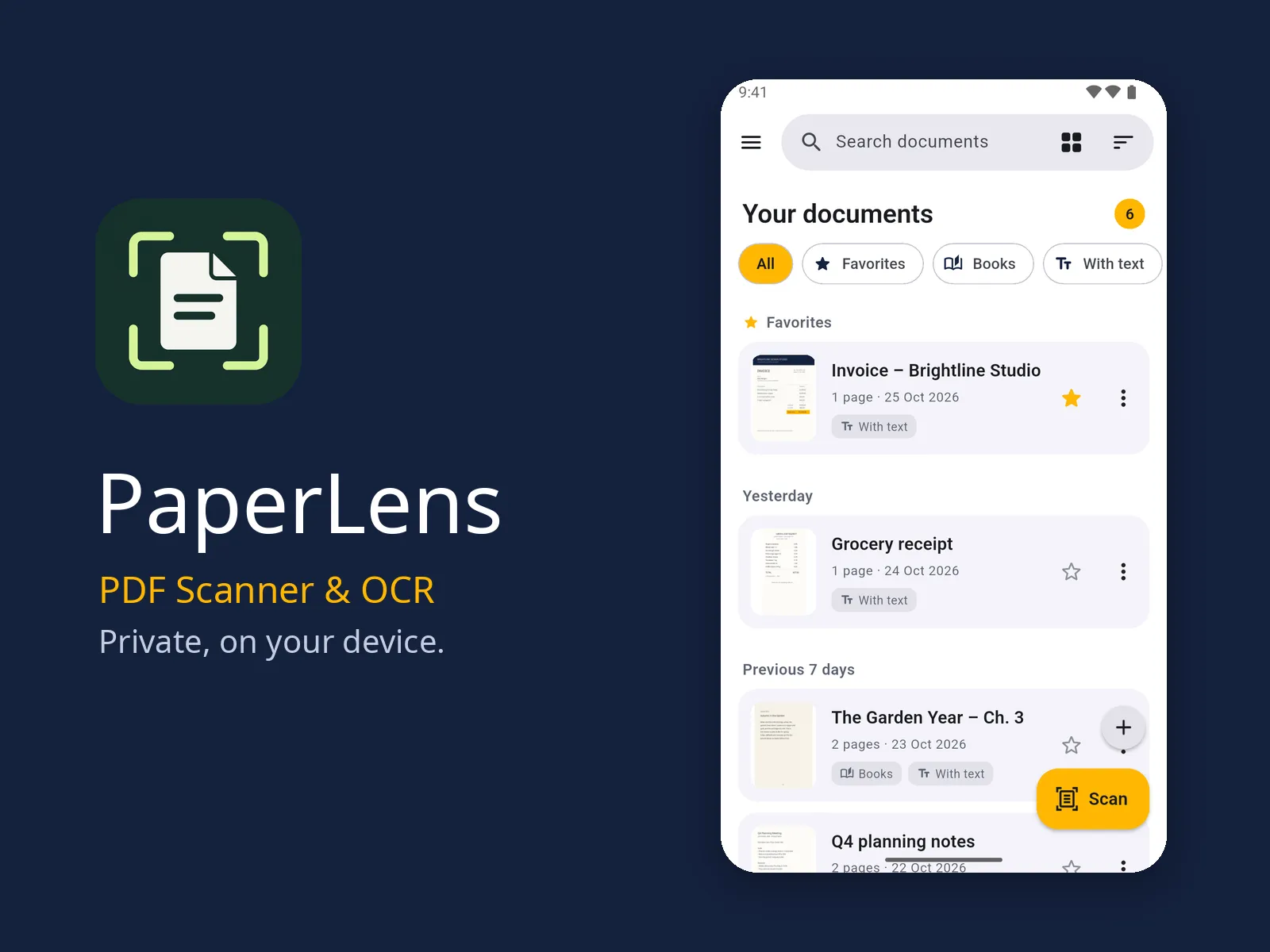
PaperLens
Scan paper to clean, searchable PDFs on your phone. Sign, redact and share, with no account and no upload.
- Type
- Product
- Status
- In development
- Year
- 2026
- Platform
- Android, iOS
Screens
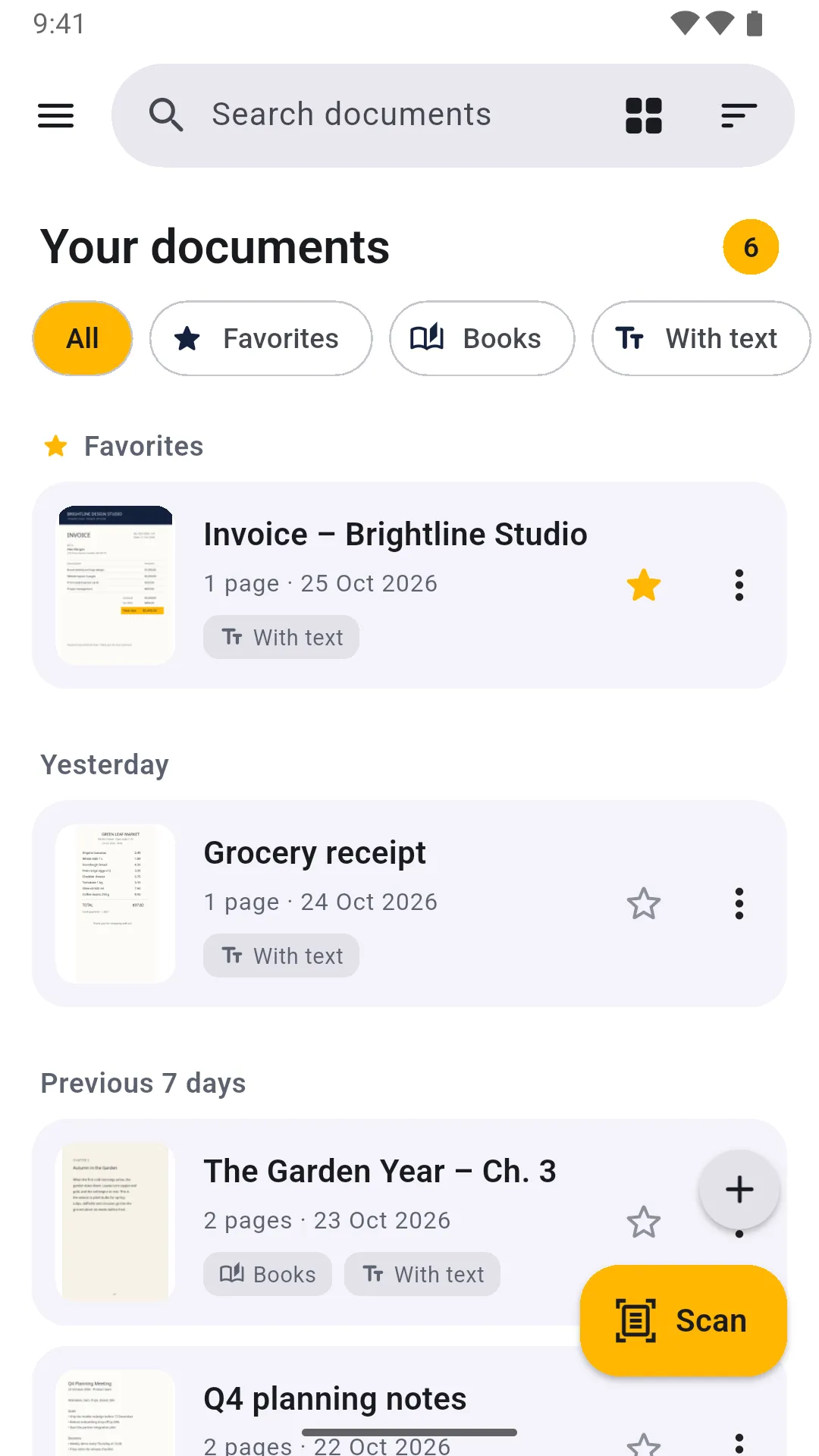
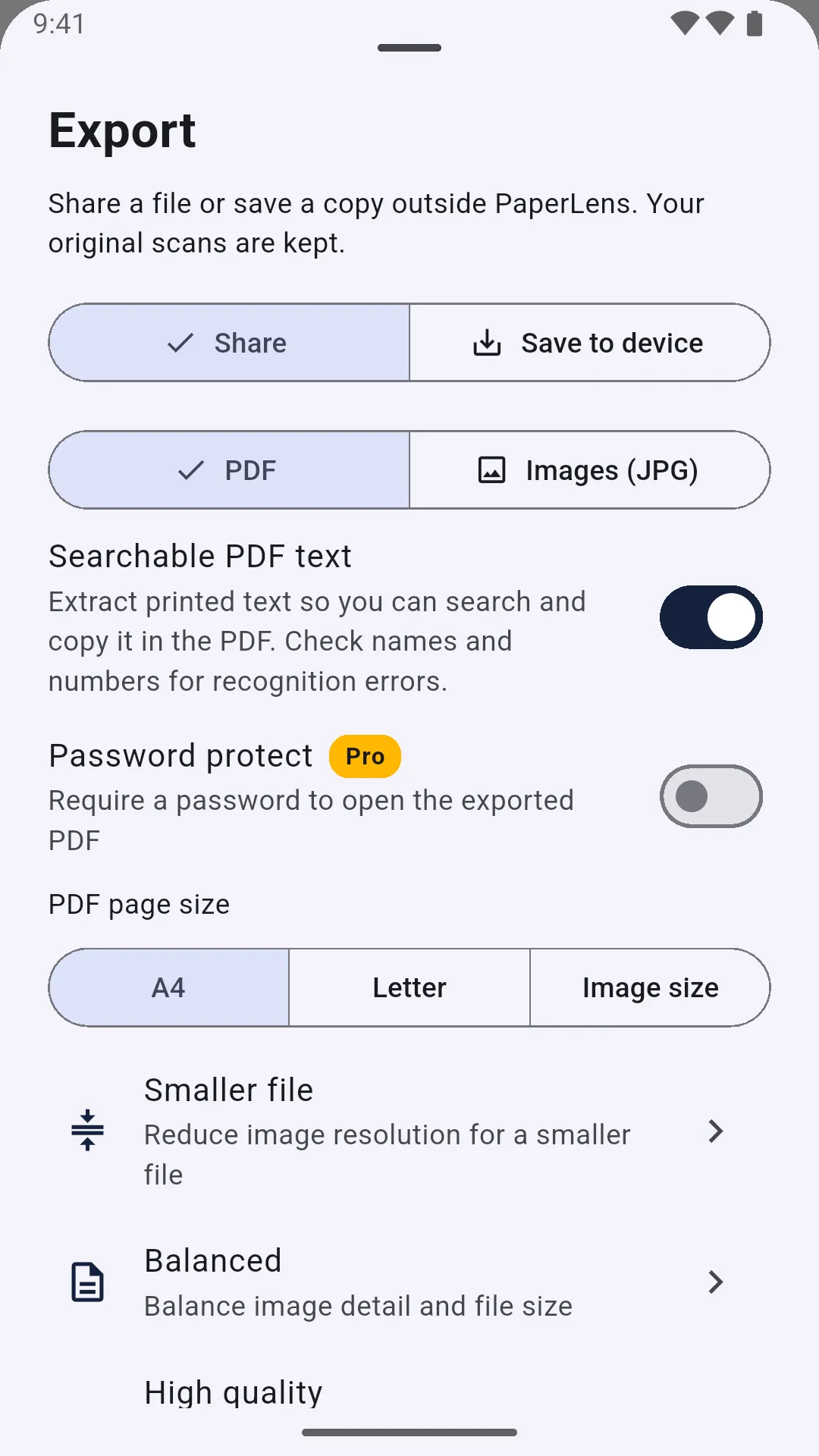
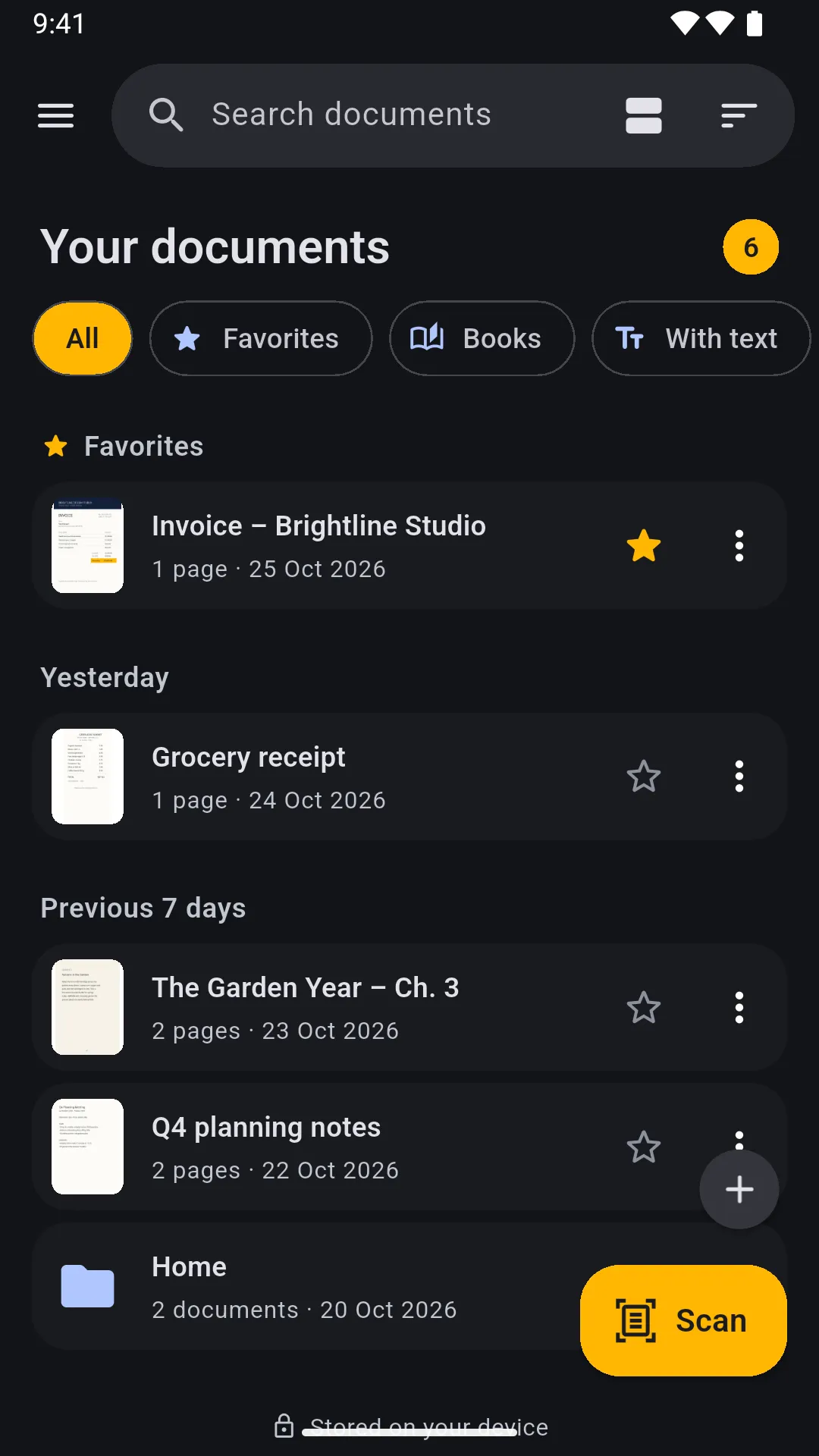
PaperLens turns paper into clean, searchable PDFs, right on your phone. Coming soon to Google Play; the iPhone and iPad version follows later.
Scan in seconds
Automatic edge detection and perspective correction. Import photos and PDFs, or share them to PaperLens from other apps. Filters even out shadows and whiten the paper.
Find any word
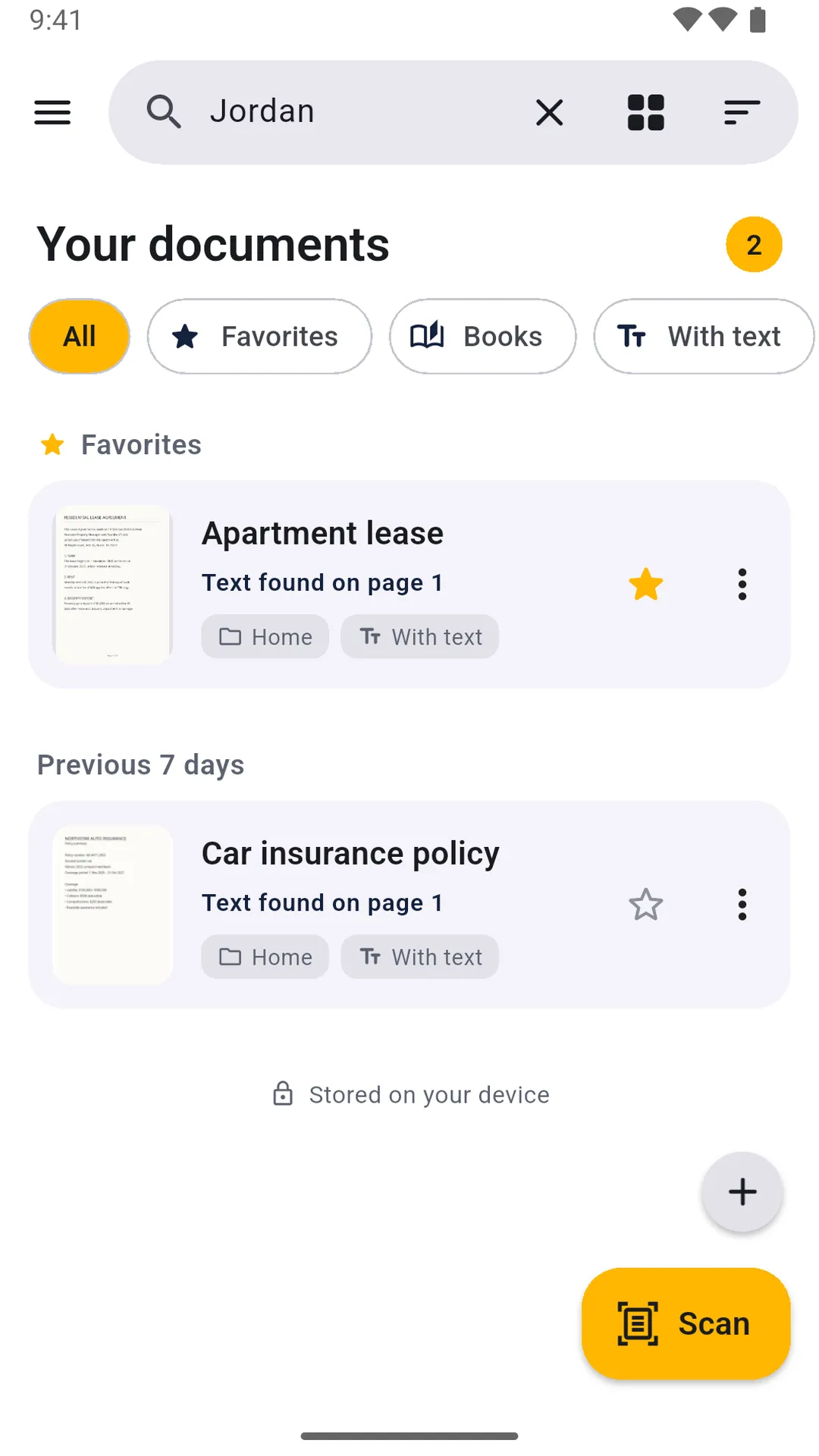
Text recognition runs on your phone. Export searchable PDFs, and search your whole library by the words inside your documents.
Sign and redact
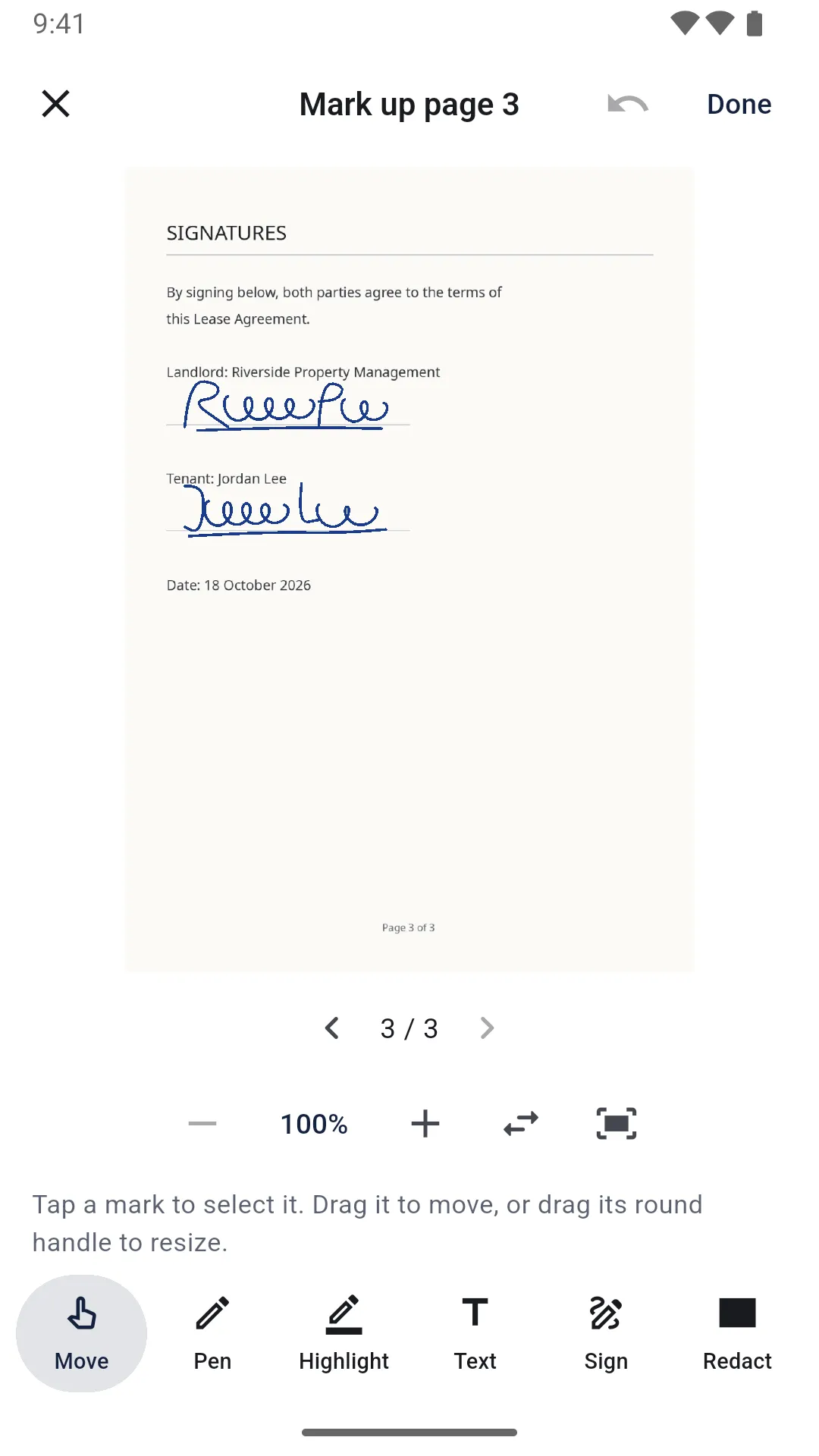
Sign, add text, draw and highlight. Redacted areas are blacked out in exported files, and the covered words are removed from the text.
Organized and private
Folders, favorites, and a Trash you can restore from. Light and dark theme, 10 languages. No account, and your documents never leave your phone unless you share them.
PaperLens Pro
PaperLens is free to use. PaperLens Pro is an optional monthly or yearly subscription, with a free trial for new subscribers on the yearly plan. It removes ads and unlocks full-resolution export, PDF passwords, saved signatures, book scanning and exporting text as a .txt file. Prices are shown in the app before you buy.
Help
Where are my documents stored? Only on your phone, inside PaperLens. They leave it only when you share or save a copy. If your phone’s own backup is turned on, it may include them.
Do I need an account? No. PaperLens has no accounts and no sign-in.
Does PaperLens show ads? The free version shows a small banner at the bottom of your document list, and a short video only if you choose to watch one to use a Pro feature once. PaperLens Pro has no ads.
Which languages can it read? Text recognition reads languages written in the Latin alphabet, such as English, Spanish, French, German, Italian, Portuguese, Dutch, Polish, Indonesian and Turkish.
How do I cancel PaperLens Pro? On Android: Google Play → your profile → Payments & subscriptions → Subscriptions → PaperLens. On iPhone: Settings → your name → Subscriptions. Pro stays active until the end of the period you paid for.
I reinstalled the app or changed phones. How do I get Pro back? Open PaperLens → Settings → PaperLens Pro → Restore purchase, signed in with the same Google or Apple account you subscribed with.
Will uninstalling the app delete my documents? Yes. Export important documents first (Export → Save to device).
How do I contact you? Email contact@evrenex.com.